Reducing friction in student learning
Designed for MentaMorph, a financial literacy game teaching young learners how to spend, invest, and balance their assets and liabilities.
Overview
The problem:
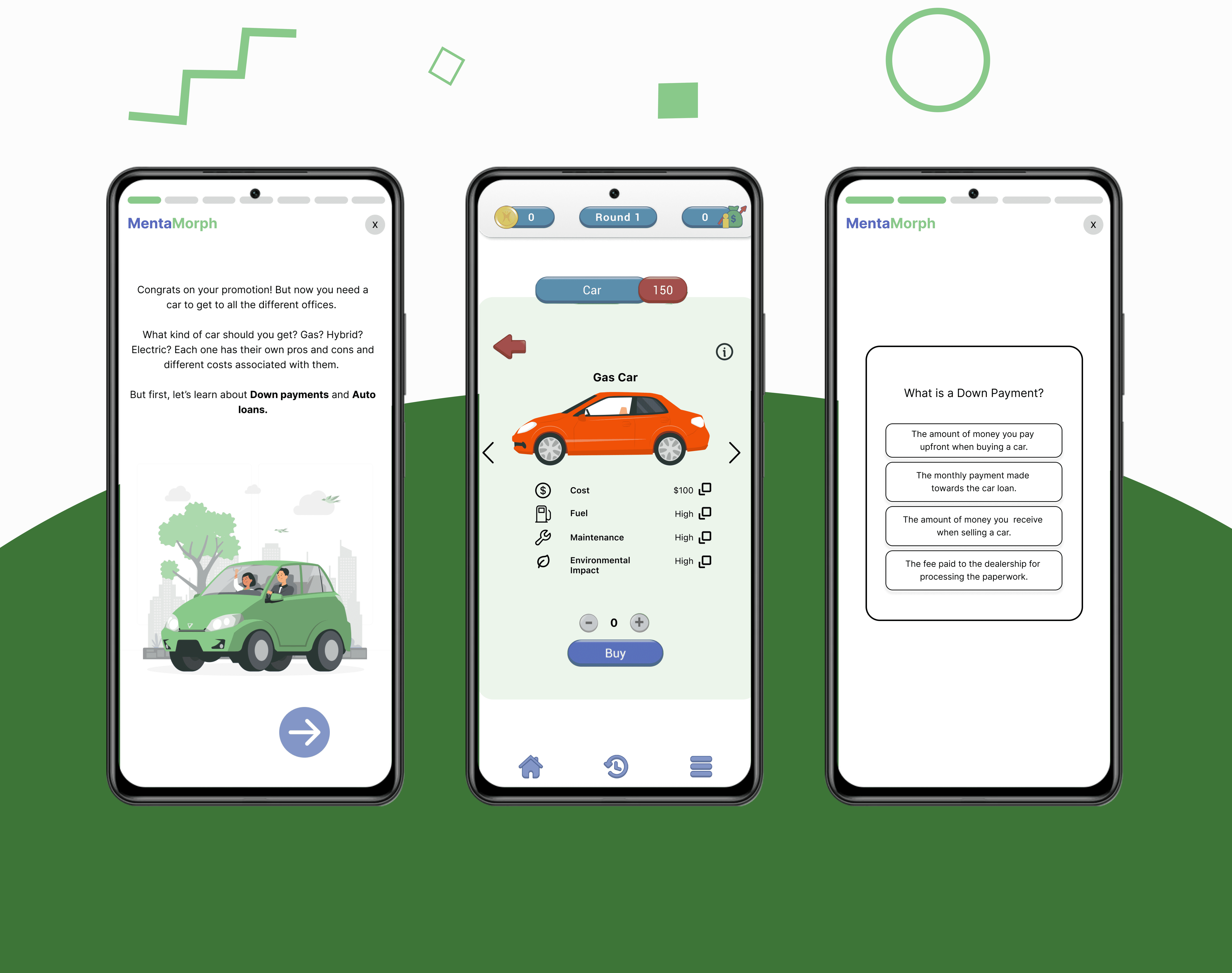
Users had no context around purchasing a car, which led to blind choices and frustration instead of actionable financial literacy, causing user drop-off in using the app
Users had to use outside material in addition to the app in order to play the game, which led to confusion and a lot of context-switching
The success criteria:
Improve context and clarity around car purchasing so that users feel confident in decision-making while also increasing user retention
Incorporate learning material into the app itself so that the app is self-sufficient and reduces context-switching and cognitive load for users
Auditing the product
To understand where users were struggling, I ran a UX audit where I:
conducted 5 user interviews
mapped out primary and branching user flows
benchmarked against other financial literacy products
I focused on uncovering usability barriers that hindered the learning experience and discovered the following pain points:
No information regarding what expenses cars incur, such as maintenance and gas
No information regarding what liabilities buyers take on when purchasing a car, such as insurance and car payments
So I created a new task flow that included car expenses based off my own research and data that the client had given me.
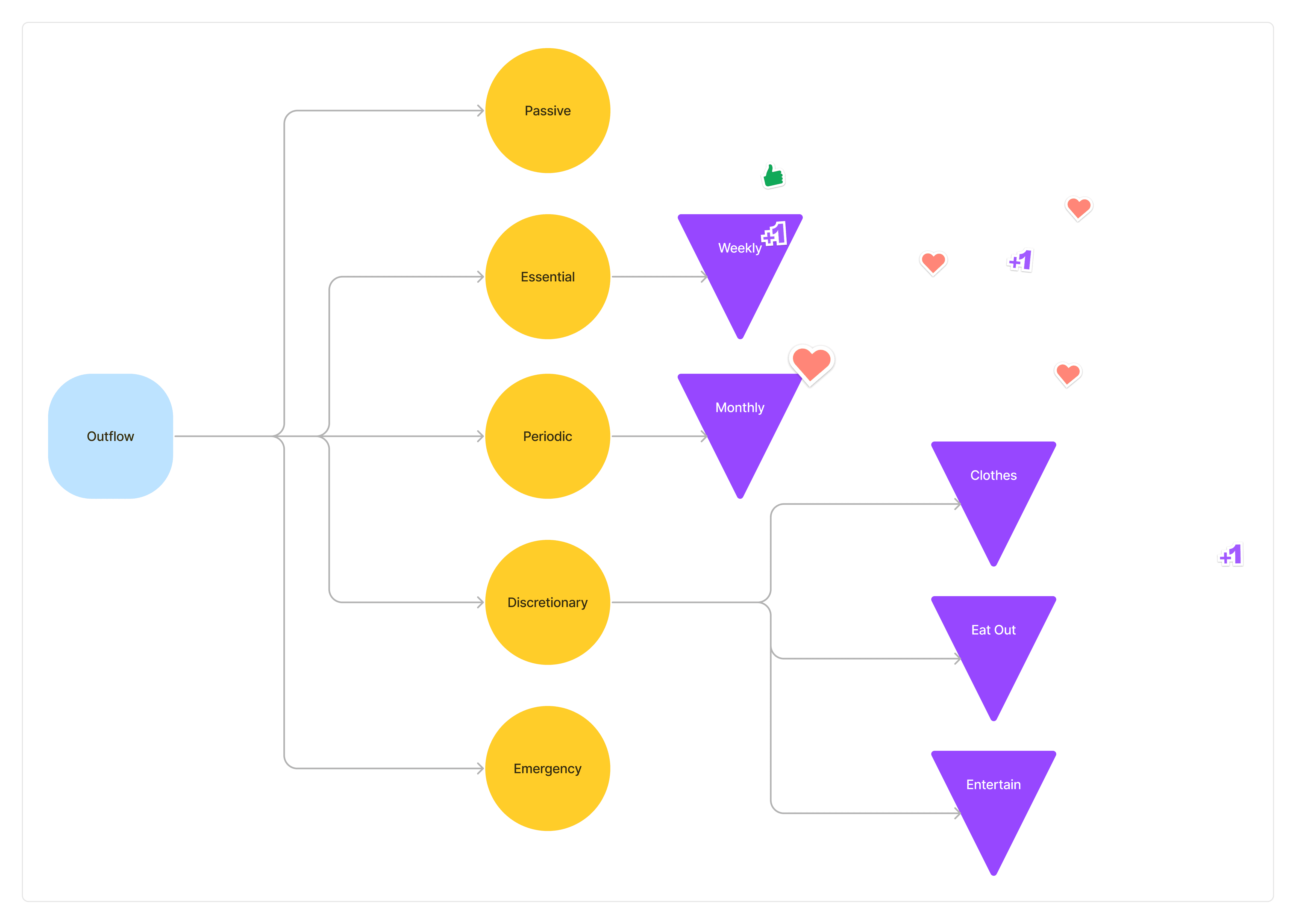
The original user flow for expenses

The new user flow with car expenses added
Testing the new user flow
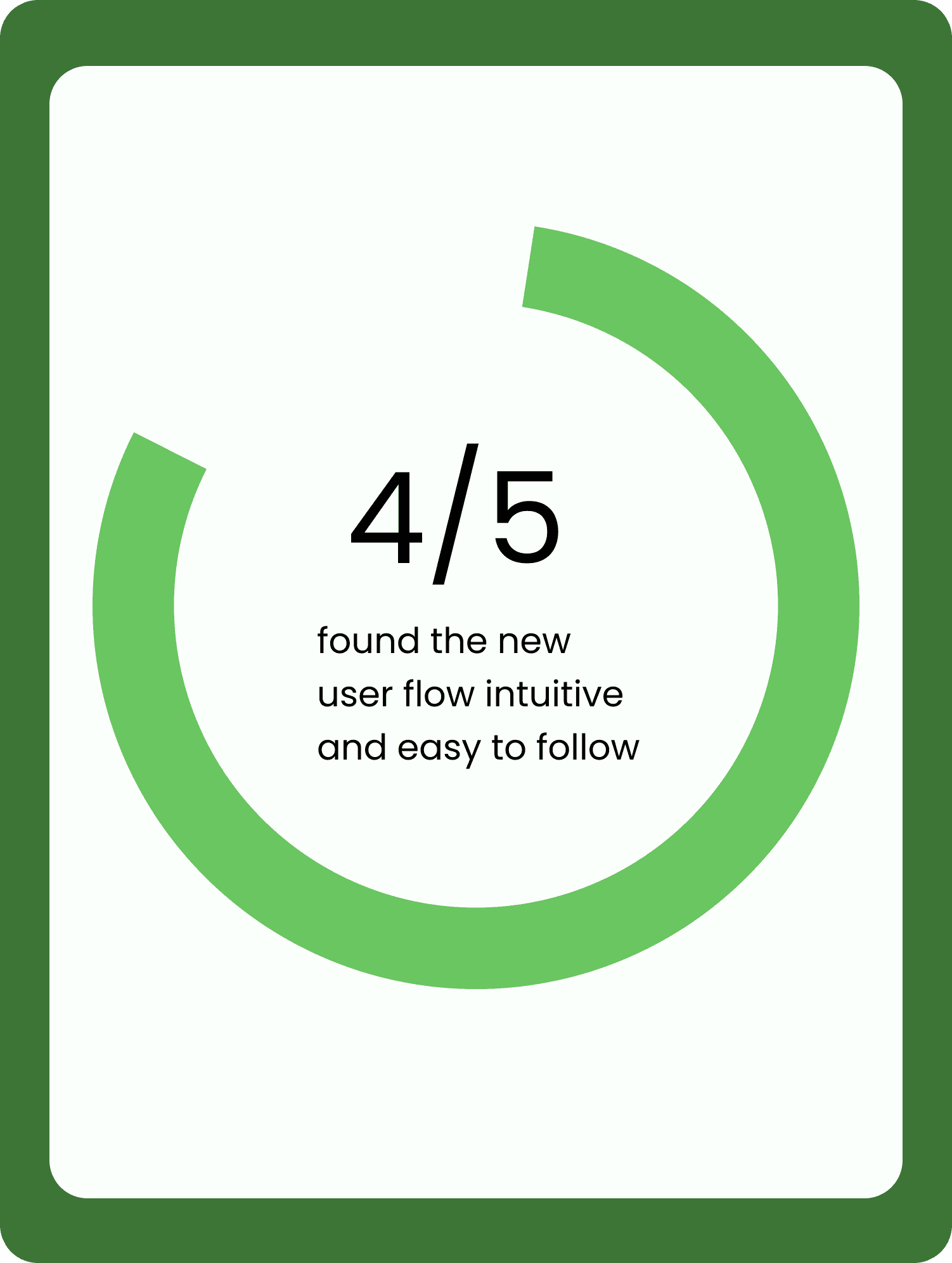
So I got the new user flow prototyped and ready to go, and during usability testing with a different set of 5 users, wanted to answer these questions:
Does the new user flow make sense and is it easy to follow?
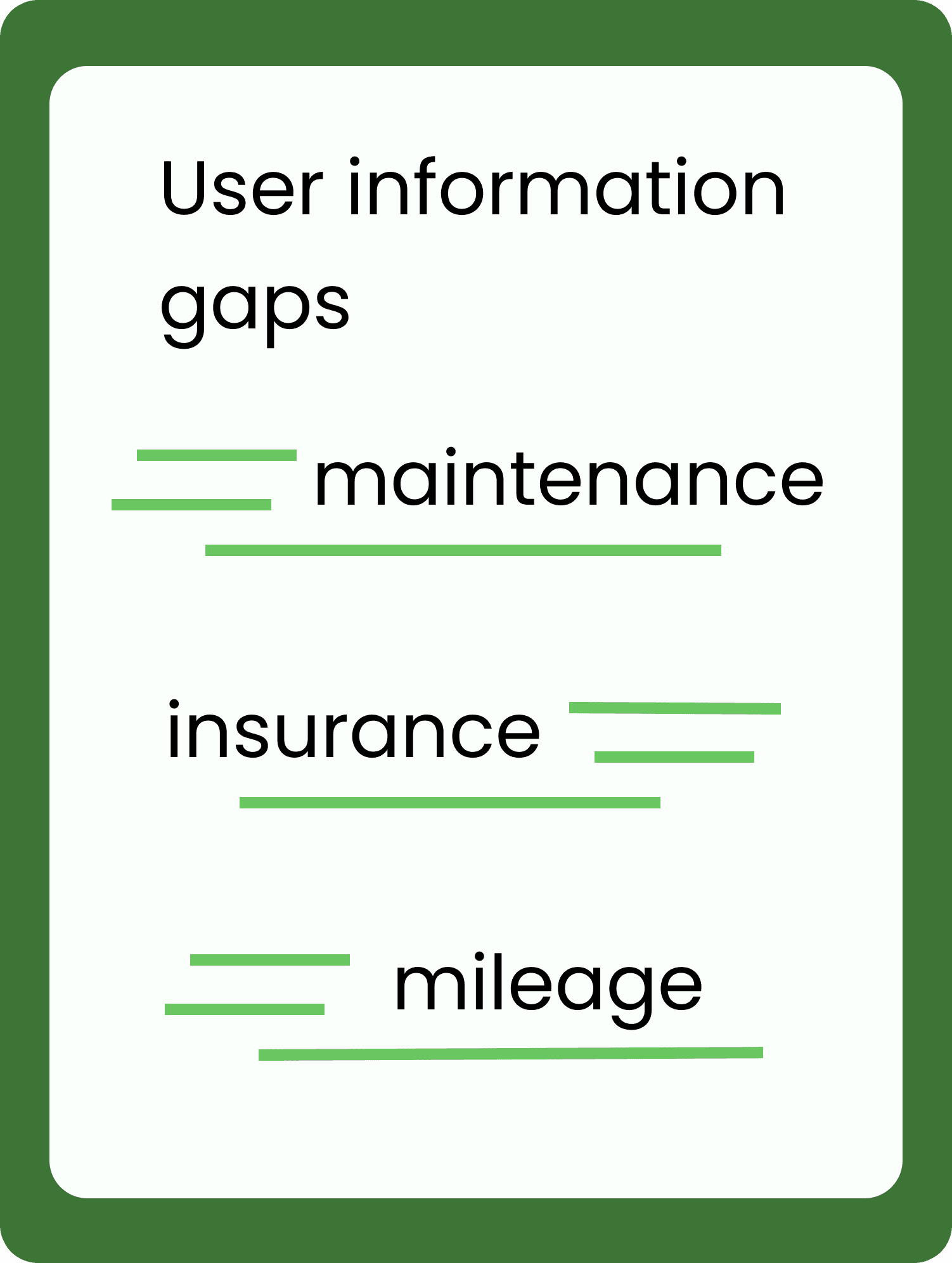
What information gaps were there when it came to car purchasing?
My findings are summarized below.
Pivoting and Iteration
The feedback from testing focused on two things:
The new user flow works but users still need more context and information
How do users find the information they need?
Funnily enough, in my pursuit to reduce cognitive load, I wasn't actually giving users the information they needed!
So I reiterated on the design to address these needs, which led to a redesigned contextualized car purchase page and the addition of education modules.
Testing, Round 2
The feedback this time around was as follows:
Education modules?
"Super helpful and informative. 5/5 stars."
Additional context on the car purchase screen?
"Great!"
I was able to successfully deliver more clarity and context to users and reduce friction, which led to them engaging with the app more.
The results
Successfully bridged business and user goals by optimizing a key user flow, directly resulting in an increase in user retention and a boost in engagement.
By introducing contextual clarity and eliminating friction, the redesigned experience deepened user trust and established a seamless, intuitive learning environment that allowed users to learn about and purchase cars with confidence.
Strategic Next Steps:
Standardize Visual Design: Overhaul the UI components to establish brand consistency
Strengthen User Autonomy: Refine UX flows to minimize cognitive load, ensuring users can navigate the platform with total confidence